Start free
← All report templates

Pipedrive · Free Data Studio template

Pipedrive sales pipeline report template
See what you won. Know what is still in play.

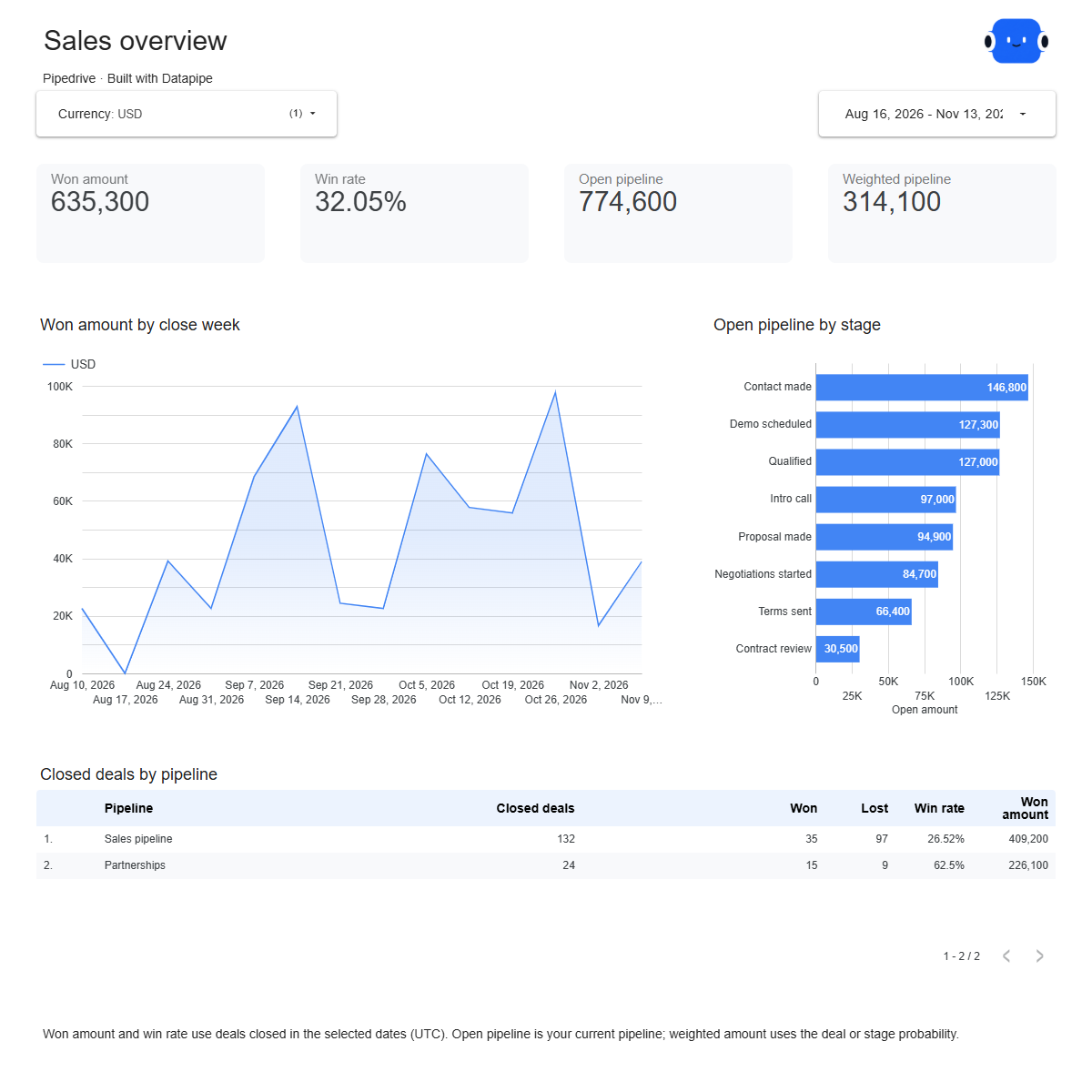
Won amount, win rate, days to close and the open pipeline by stage. One editable report for a clearer review of your Pipedrive deals.

A Google account is needed to save a copy.

Explore the report

Choose a page to see its charts and metrics.

Choose a report page to preview
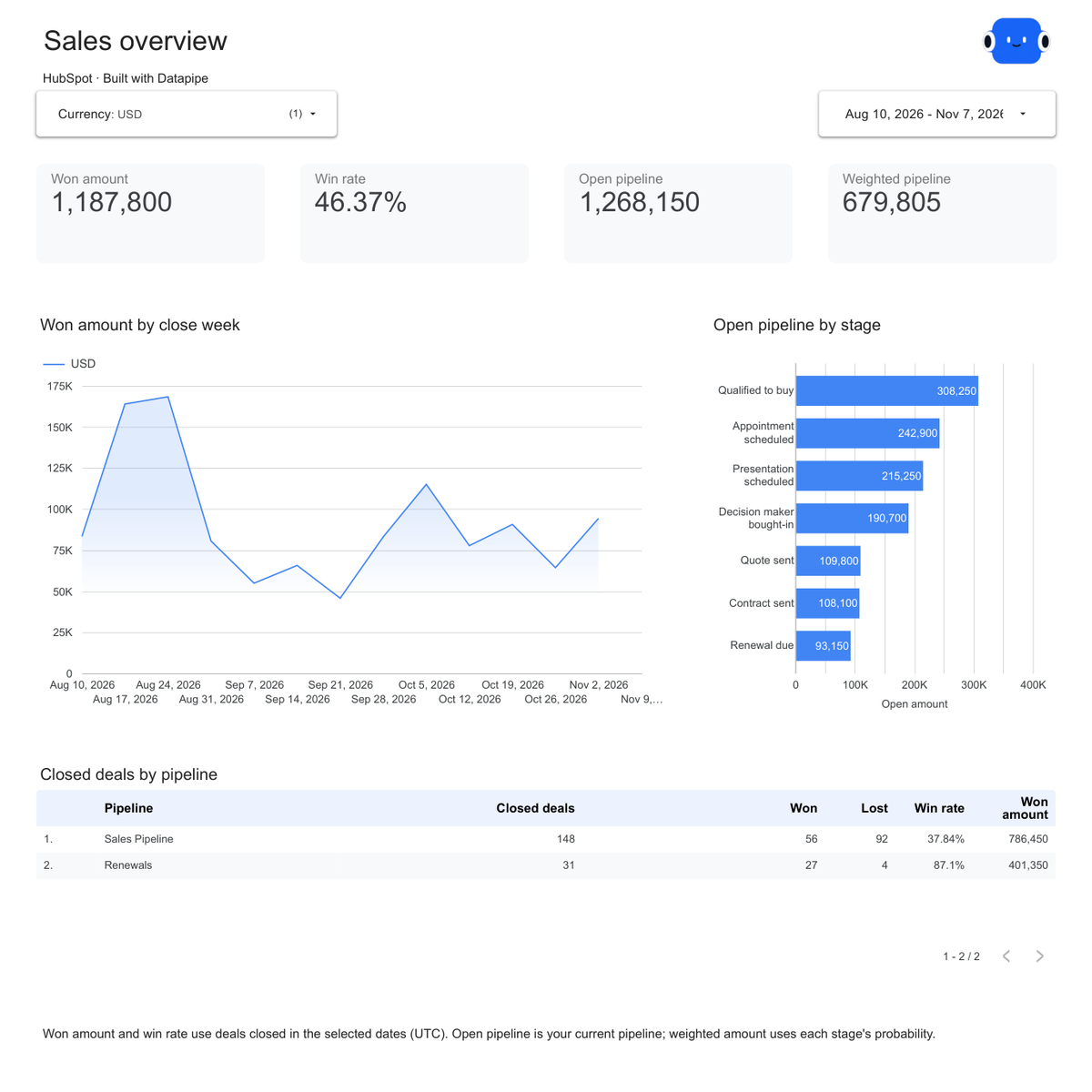
Pipedrive overview report page.
See the sales result first. Open this page ↗
Pipedrive won & lost report page.
Understand what closed. Open this page ↗
Pipedrive open pipeline report page.
Know what is still in play. Open this page ↗
Pipedrive start here report page.
Your reporting guide. Open this page ↗

Open interactive report ↗ · Download PDF · CSV

Make this report yours

  1. Preview the report

    Explore the pages, charts and filters.

  2. Save a free copy

    Add your logo and adjust the layout for your team or clients.

  3. Connect your account

    Choose the account you want this dashboard to report on.

Keep your dashboard up to date

Connect your Pipedrive account. Datapipe updates the Google Sheet behind your dashboard on your schedule.

PipedriveSelected account
DatapipePrepare & refresh
Google SheetsPrivate report data
Data StudioYour dashboard

Setup, pricing and metrics

What does the Pipedrive report include?

Four pages covering setup, overview, won and lost deals, and the open pipeline. Track won amount, win rate, average won deal and days to close, plus open deals by stage, weighted amount and past-due deals.

How do I connect Pipedrive?

Add Pipedrive as a data source in Datapipe, choose your account and select this dashboard. Authorize Google Sheets, then save your Data Studio copy. Datapipe refreshes the same workbook on your schedule.

How are win rate and average won deal calculated?

Win rate is won deals divided by won and lost deals closed in the selected dates. Open deals are not part of it. Average won deal is total won amount divided by won deals.

What is the weighted amount?

Each open deal’s amount multiplied by its probability. When a pipeline allows deal probabilities, a deal’s own probability is used; otherwise its stage probability from your Pipedrive settings. Deals without an amount still count as open deals but add nothing to the totals.

Which dates does the report use?

Won deals use their won time and lost deals their lost time, in UTC. Days to close runs from the deal’s creation to that time. The open pipeline is your current pipeline when the data was read; a deal is past due when its expected close date has passed.

Does the report combine currencies?

No. Amounts stay in each deal’s currency and are never converted. Choose a currency with the filter.

Which deals are included?

Deals that are not archived or deleted. The report reads deal titles, values, statuses, pipelines, stages, dates and currencies, plus your pipeline and stage settings. It does not read people, organizations, activities or notes.

Is the template free?

The template, PDF and CSV are free. Datapipe plans apply to automatic refreshes from your Pipedrive account.

Make it your next report.