Start free
← All report templates

Google Analytics & PageOptimized · Free Data Studio template

AI search visibility report template
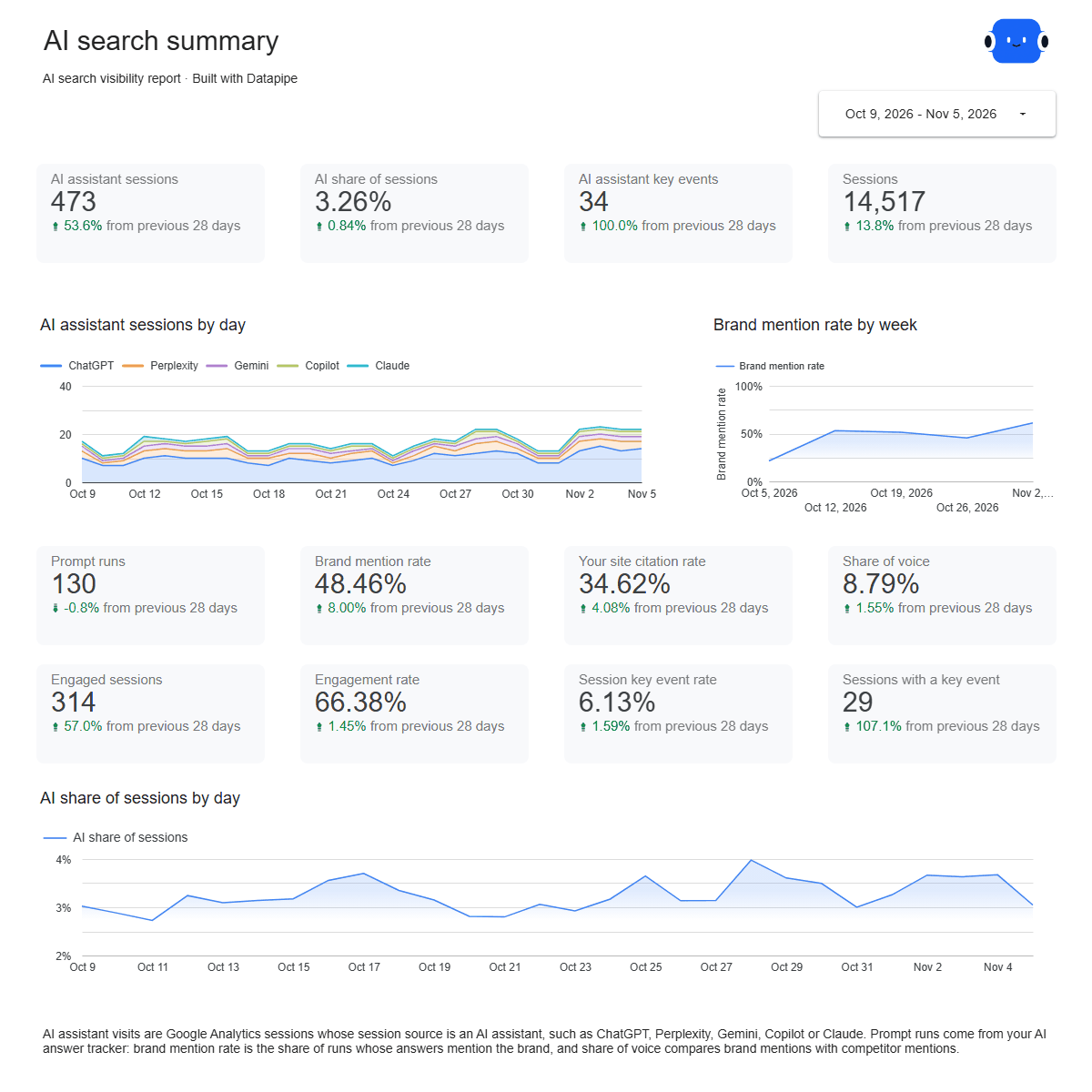
Visits from AI assistants and how often AI answers mention you, in one report.

Google Analytics sessions, landing pages and key events from ChatGPT, Perplexity, Gemini, Copilot and Claude, beside your AI answer tracker’s brand mentions, citations and share of voice. One editable report for a monthly AI search review.

A Google account is needed to save a copy.

Explore the report

Choose a page to see its charts and metrics.

Choose a report page to preview
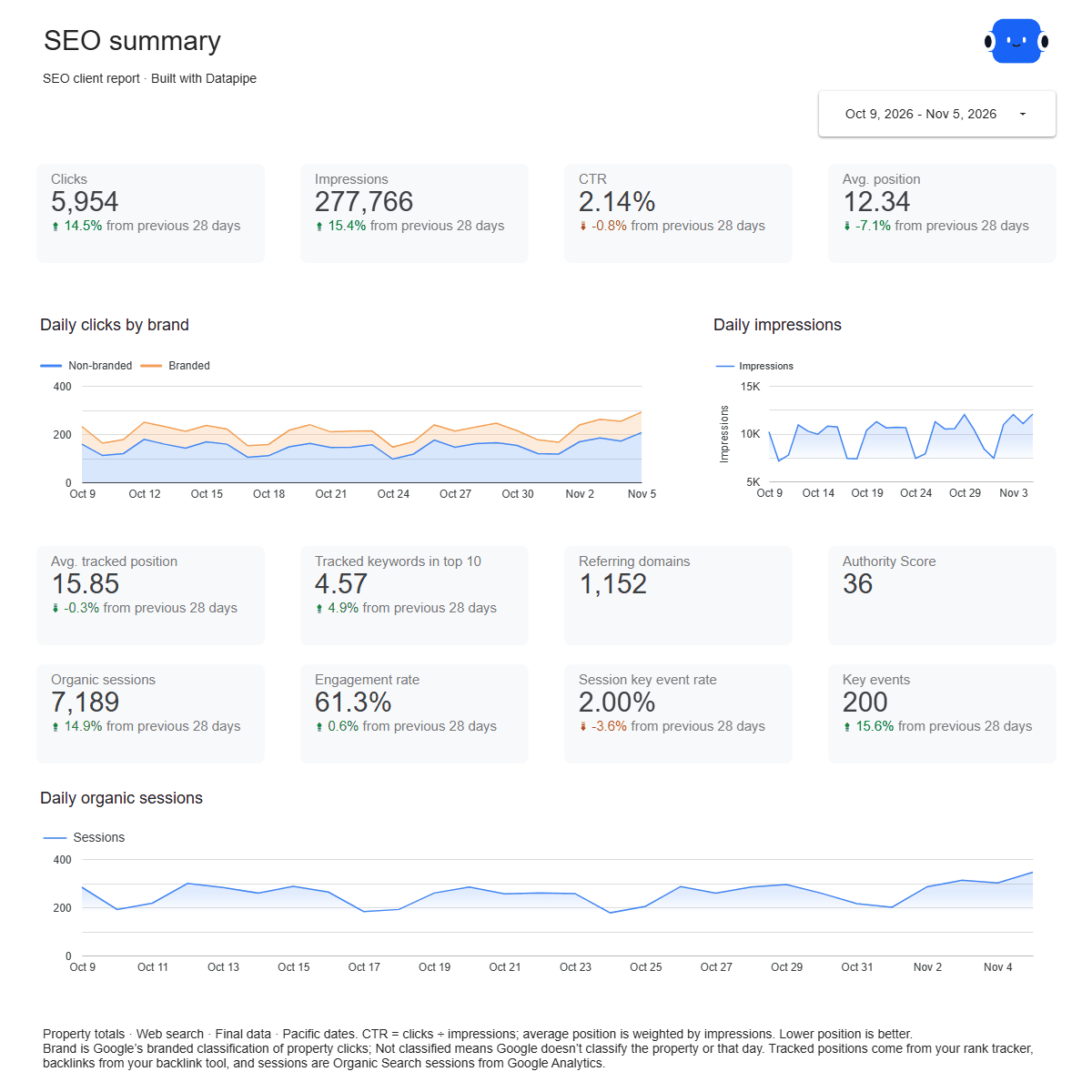
Google Analytics & PageOptimized summary report page.
See AI visits and AI answers side by side. Open this page ↗
Google Analytics & PageOptimized ai assistant visits report page.
Know which assistants send visits. Open this page ↗
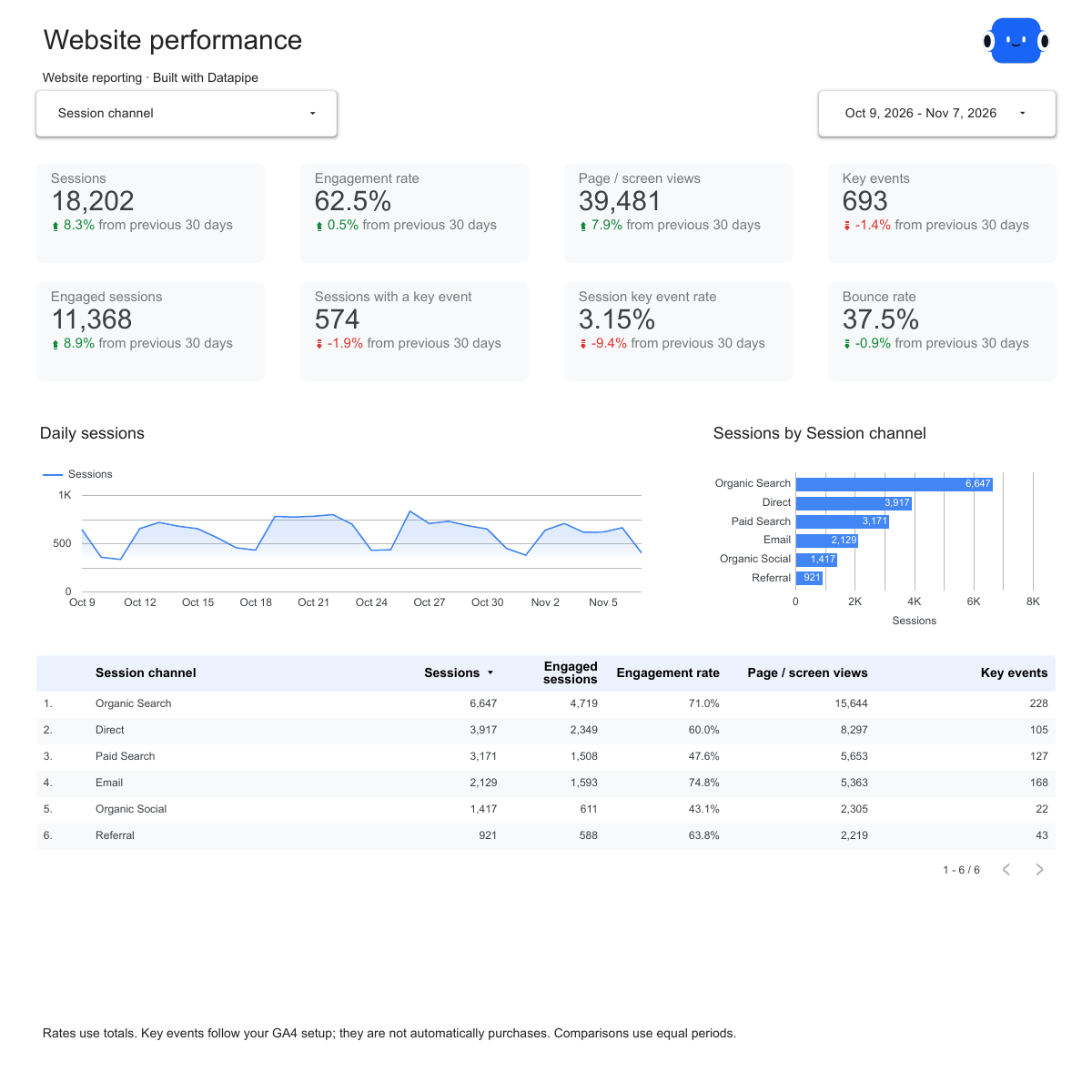
Google Analytics & PageOptimized ai and other channels report page.
Put AI next to every other channel. Open this page ↗
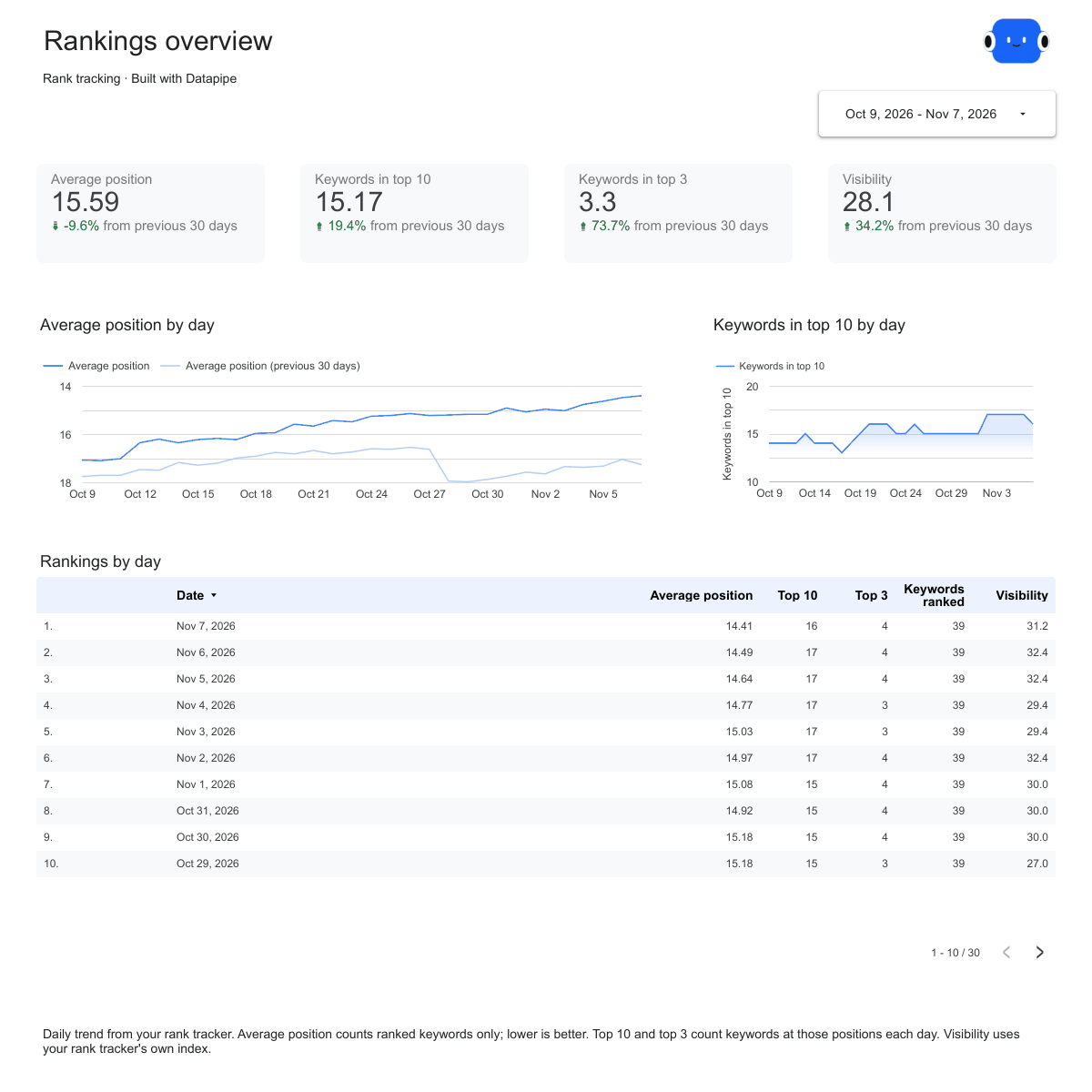
Google Analytics & PageOptimized ai answer visibility report page.
Track how often AI answers mention you. Open this page ↗
Google Analytics & PageOptimized cited domains report page.
See which sites AI answers cite. Open this page ↗
Google Analytics & PageOptimized start here report page.
Your reporting guide. Open this page ↗

Open interactive report ↗ · Download PDF · CSV

Make this report yours

  1. Preview the report

    Explore the pages, charts and filters.

  2. Save a free copy

    Add your logo and adjust the layout for your team or clients.

  3. Connect your account

    Choose the account you want this dashboard to report on.

Keep your dashboard up to date

Add your Google Analytics property, then PageOptimized as your AI answer tracker, as data sources in the same project. Datapipe keeps every page of the report up to date on your schedule.

Google Analytics & PageOptimizedSelected account
DatapipePrepare & refresh
Google SheetsPrivate report data
Data StudioYour dashboard

Setup, pricing and metrics

What does this AI search visibility report include?

Eight pages, starting with Start here. Summary puts the headline numbers on one page. Four Google Analytics pages cover AI assistant visits, AI assistants next to other channels, AI landing pages and AI key events. Two pages cover AI answers: brand mention and citation rates for each tracked prompt, and the domains AI answers cite.

Which data sources does it use?

Google Analytics 4 is required. Add PageOptimized as your AI answer tracker for the prompt pages. Each one is a data source in the same Datapipe project.

Which AI assistants does it count?

Visits whose Google Analytics session source is ChatGPT, Perplexity, Gemini, Copilot, Claude, DeepSeek, Grok, Meta AI, Mistral, You.com or Phind, including their subdomains and utm_source tags such as chatgpt.

Why might AI visits look lower than expected?

Some AI apps open links without a referrer, so Google Analytics counts those visits as Direct. The report shows the visits Google Analytics can attribute to an AI assistant.

Do I need an AI answer tracker?

No. Start with Google Analytics. The prompt pages show what to add, and they fill in on the next refresh after you add PageOptimized.

How are brand mention rate and share of voice calculated?

Brand mention rate is the share of prompt runs whose answers mention the brand. Share of voice is brand mentions divided by brand and competitor mentions in the same answers.

Is the template free?

The template, PDF and CSV are free. Datapipe plans apply to automatic refreshes for your account.

Make it your next report.