Start free
← All report templates

WooCommerce, Google Ads, Meta Ads & Microsoft Ads · Free Data Studio template

WooCommerce blended ROAS report template
Store revenue against every ad platform’s spend, in one report.

WooCommerce orders and revenue beside Google Ads, Meta Ads and Microsoft Ads spend: blended ROAS, cost per order, spend by ad platform and every campaign. One editable report that counts each sale once.

A Google account is needed to save a copy.

Explore the report

Choose a page to see its charts and metrics.

Choose a report page to preview
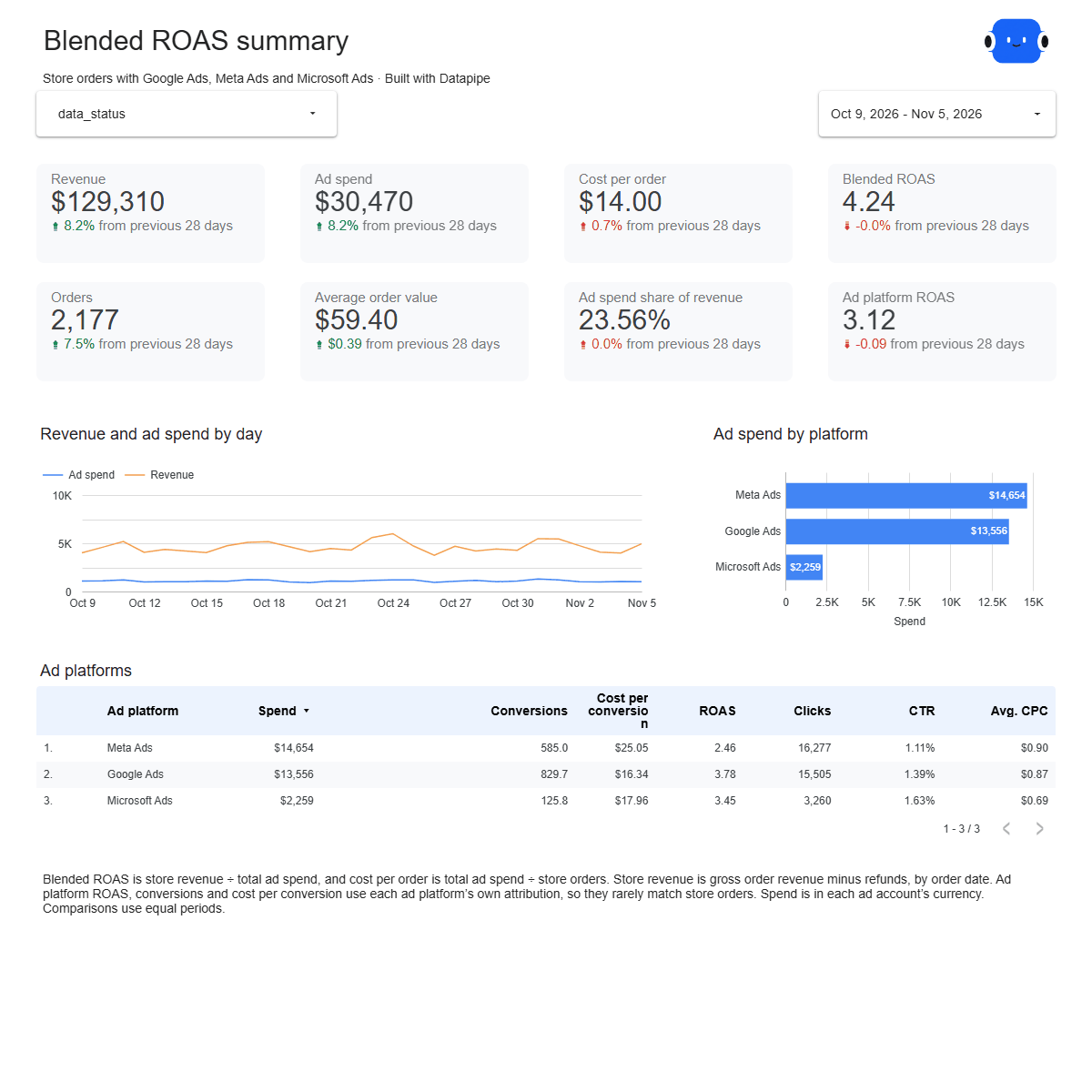
WooCommerce, Google Ads, Meta Ads & Microsoft Ads summary report page.
See what all your ad spend returns. Open this page ↗
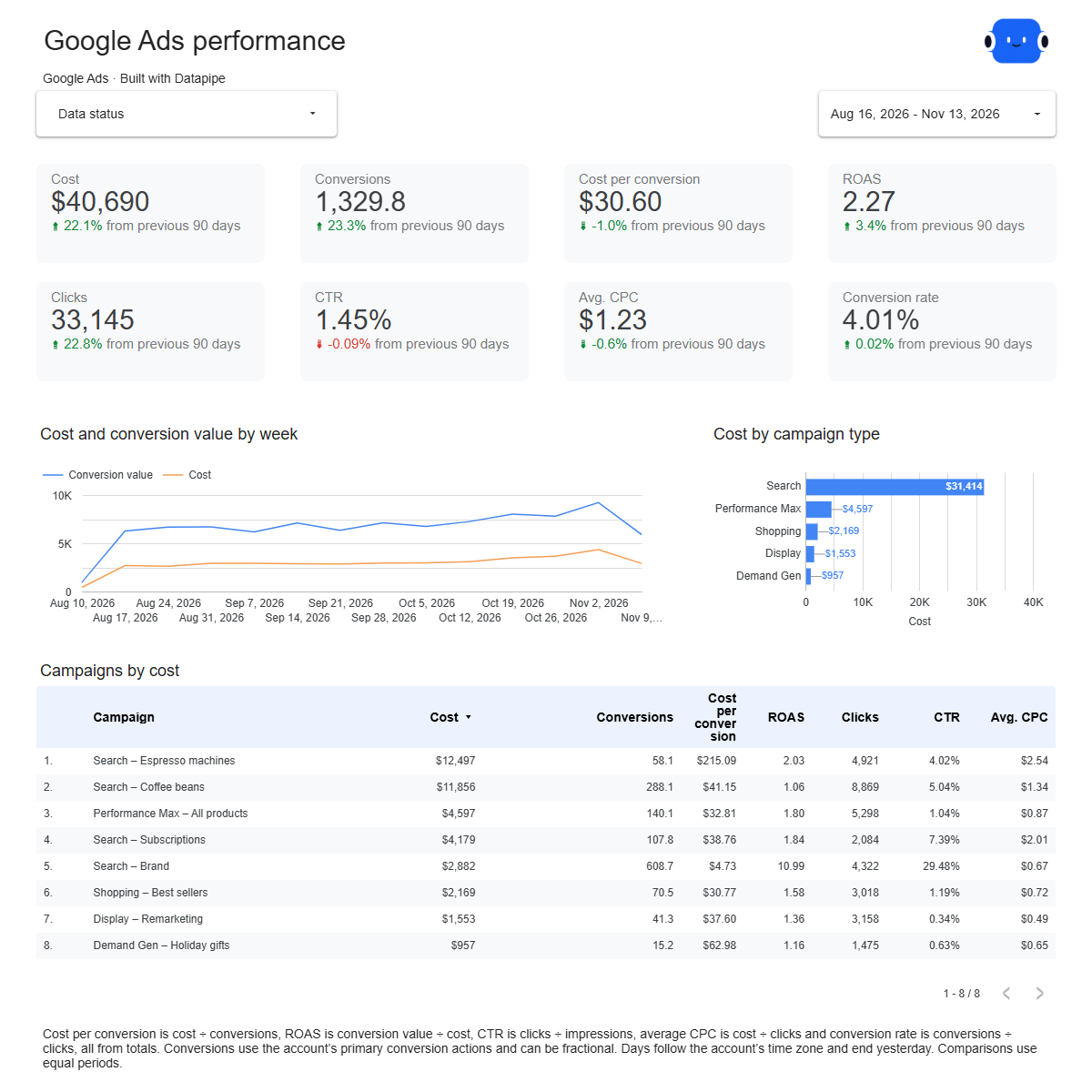
WooCommerce, Google Ads, Meta Ads & Microsoft Ads campaigns report page.
Compare every campaign across platforms. Open this page ↗
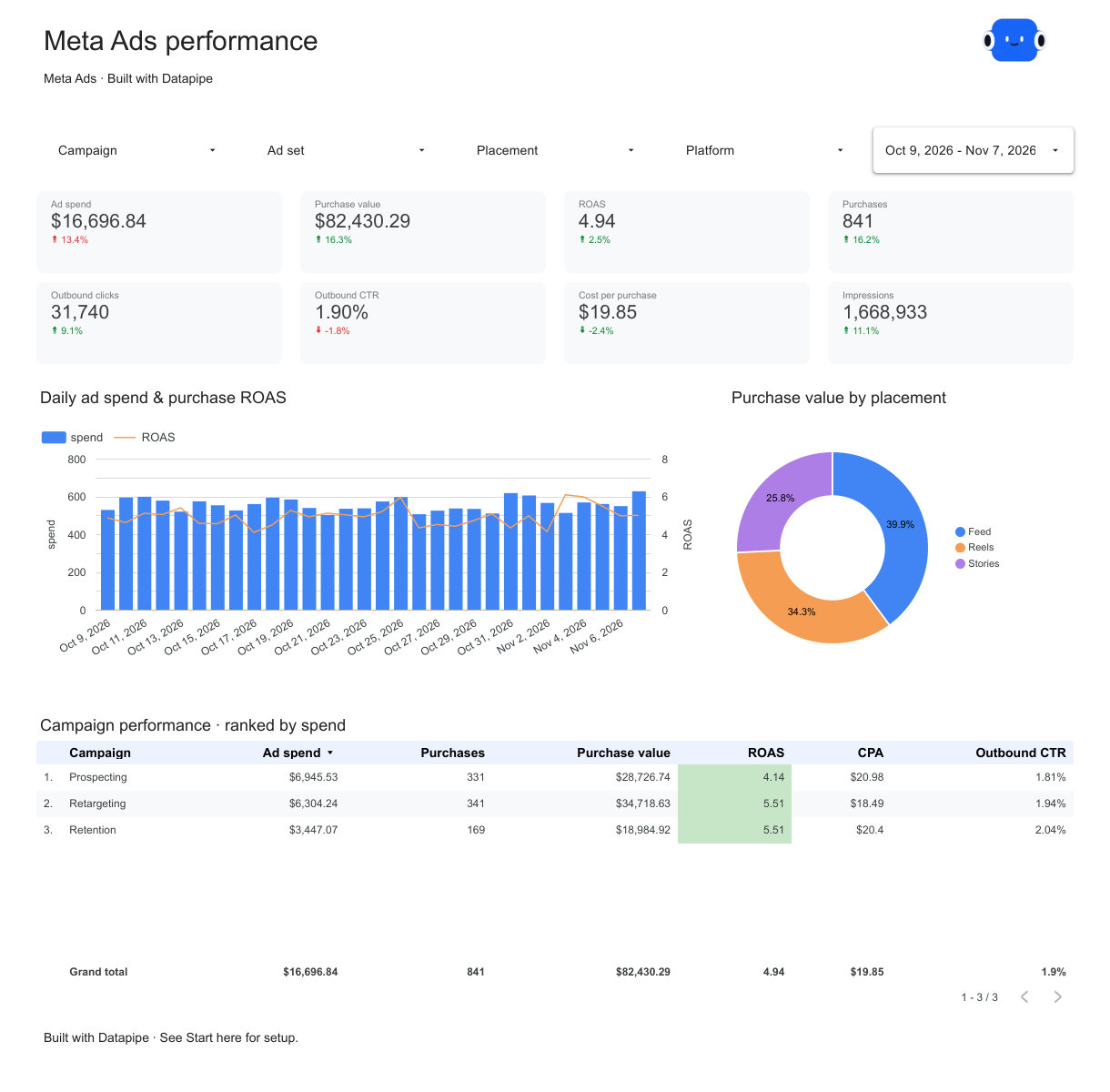
WooCommerce, Google Ads, Meta Ads & Microsoft Ads daily report page.
Follow revenue and spend day by day. Open this page ↗
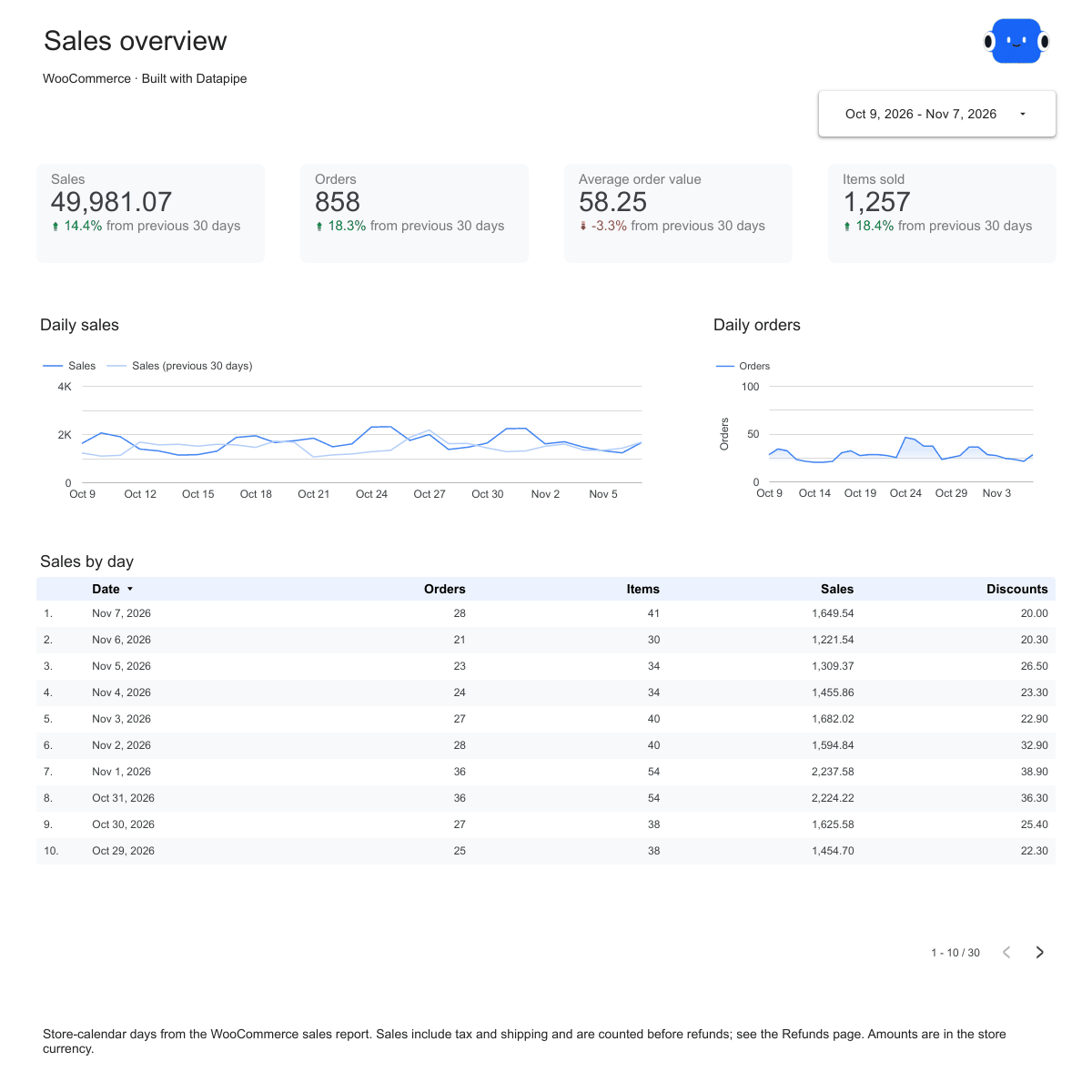
WooCommerce, Google Ads, Meta Ads & Microsoft Ads store report page.
Keep orders and refunds in view. Open this page ↗
WooCommerce, Google Ads, Meta Ads & Microsoft Ads start here report page.
Your reporting guide. Open this page ↗

Open interactive report ↗ · Download PDF · CSV

Make this report yours

  1. Preview the report

    Explore the pages, charts and filters.

  2. Save a free copy

    Add your logo and adjust the layout for your team or clients.

  3. Connect your account

    Choose the account you want this dashboard to report on.

Keep your dashboard up to date

Add your WooCommerce store, then Google Ads, Meta Ads or Microsoft Ads, as data sources in the same project. Datapipe keeps every page of the report up to date on your schedule.

WooCommerce, Google Ads, Meta Ads & Microsoft AdsSelected account
DatapipePrepare & refresh
Google SheetsPrivate report data
Data StudioYour dashboard

Setup, pricing and metrics

What does this blended ROAS report include?

Five pages, starting with Start here. Summary puts store revenue, ad spend, blended ROAS and cost per order on one page, with spend by ad platform. Campaigns lists every campaign across the ad platforms. Daily shows revenue, orders and ad spend day by day. Store covers orders, gross revenue, refunds and average order value.

Which data sources does it use?

WooCommerce is required. Add Google Ads, Meta Ads and Microsoft Ads for the spend pages. Each one is a data source in the same Datapipe project, and you can start with just one ad platform.

How is blended ROAS calculated?

Store revenue divided by total ad spend from every ad platform in the report. Store revenue is gross order revenue minus refunds. Cost per order is total ad spend divided by store orders.

Why is blended ROAS different from the ROAS in each ad platform?

Each ad platform counts conversions with its own attribution, and more than one platform can claim the same order. Blended ROAS uses the orders your store recorded, so each sale counts once.

Do I need all three ad platforms?

No. Start with your store and the ad platforms you use. Pages for an ad platform you haven’t added show what to add, and they fill in on the next refresh after you add it.

What if my ad accounts use another currency?

Spend stays in each ad account’s currency and is not converted. Keep the store and ad accounts in one currency; the report’s data status shows when they differ.

Is the template free?

The template, PDF and CSV are free. Datapipe plans apply to automatic refreshes for your account.

Make it your next report.